How it works · the five-minute version
How CatWrangler works.
From sign-up to shipping in a few minutes. No Git, no setup, no version-control words to learn — you point your AI at CatWrangler and build.
or see the stories first ↗
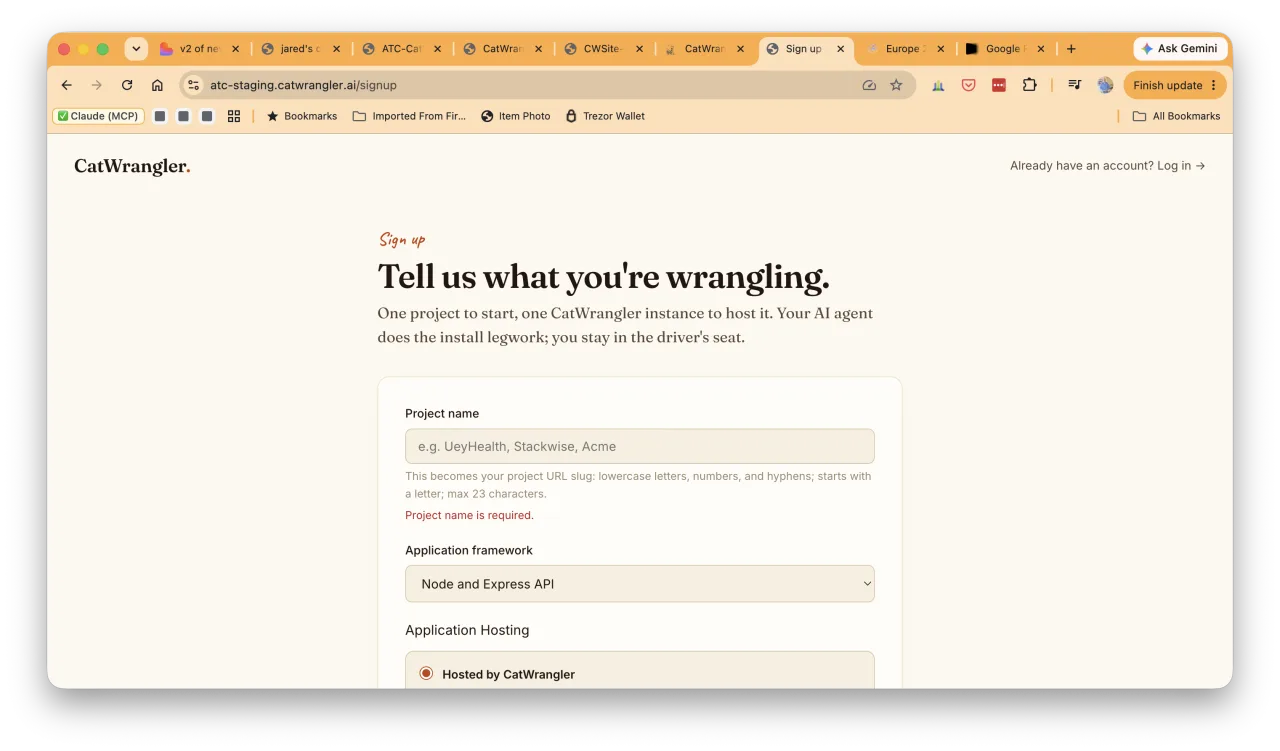
Sign up
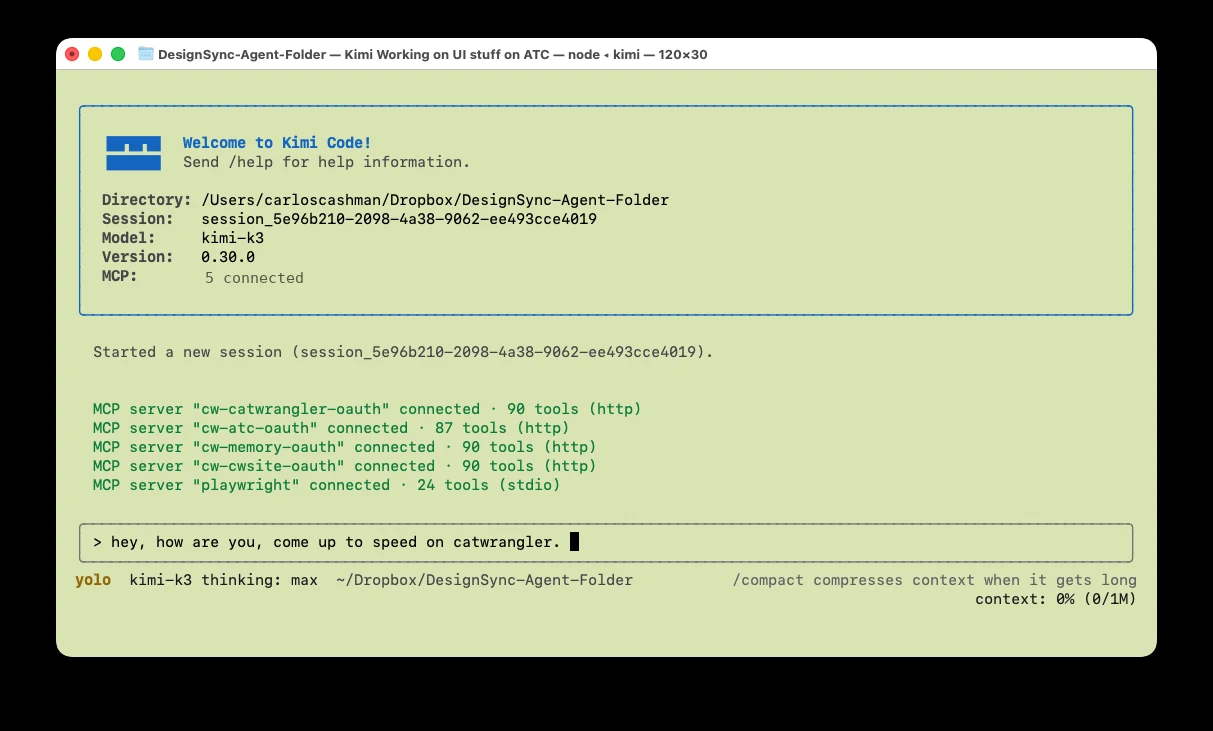
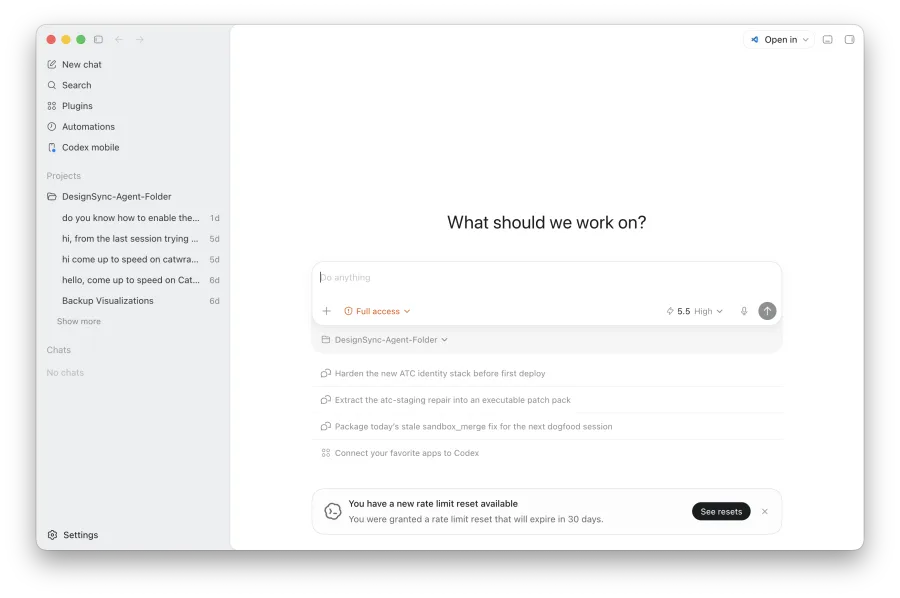
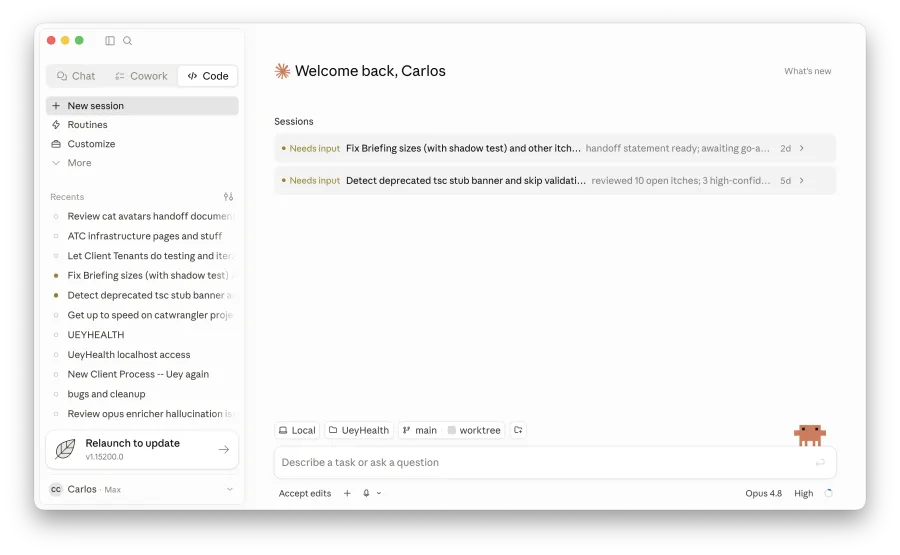
Create your account, name your project, and pick the AI tool you already build with. Use what you love — Claude, ChatGPT (Codex), or Kimi.
Get your project link
You get one link, unique to your company and project. That link is your private CatWrangler — the one thing you hand to your AI.
Your private project link
acme-app.catwrangler.aiCopyprivate to you ✦
Connect your AI
Install the CatWrangler plugin in your AI tool, then paste your project link and say “set yourself up here.”
The plugin connects your AI to your project — it pulls down everything it needs to talk to your CatWrangler. Nothing else to configure.
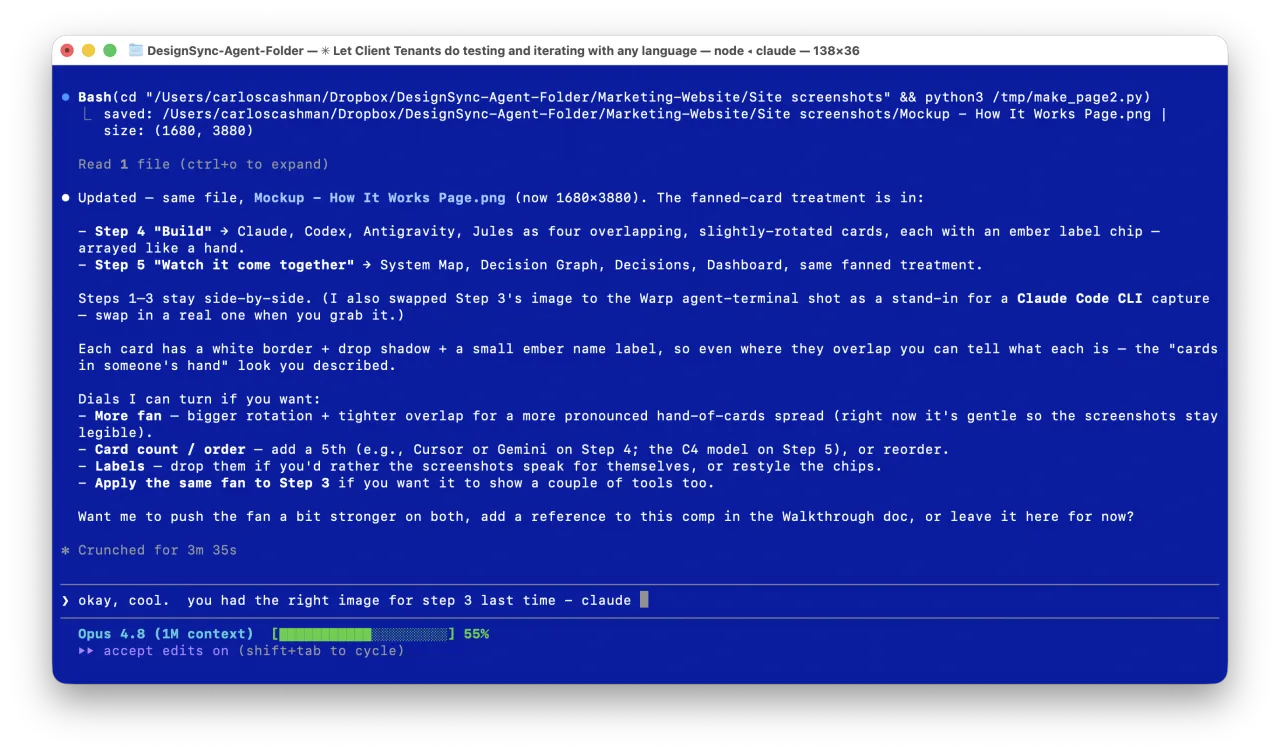
Build — in whatever app you love
Keep working exactly how you already do. Describe what you want in plain language; your AI builds it.
Underneath, CatWrangler runs real version control for you — catching conflicts, keeping the why behind every change, never overwriting your work. You never see any of it.
No PRs, no Git — CatWrangler versions and manages your source behind the scenes.
Watch it come together
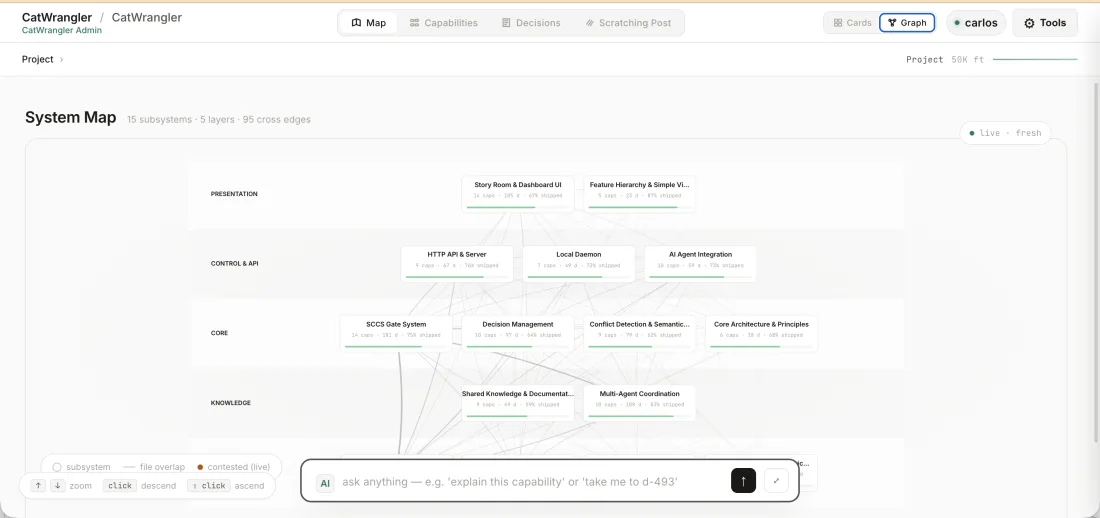
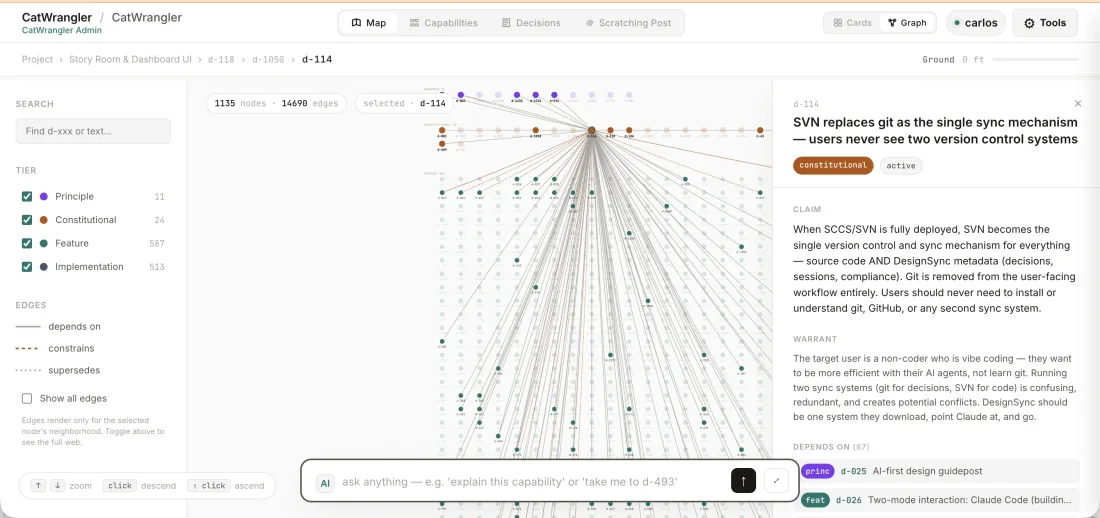
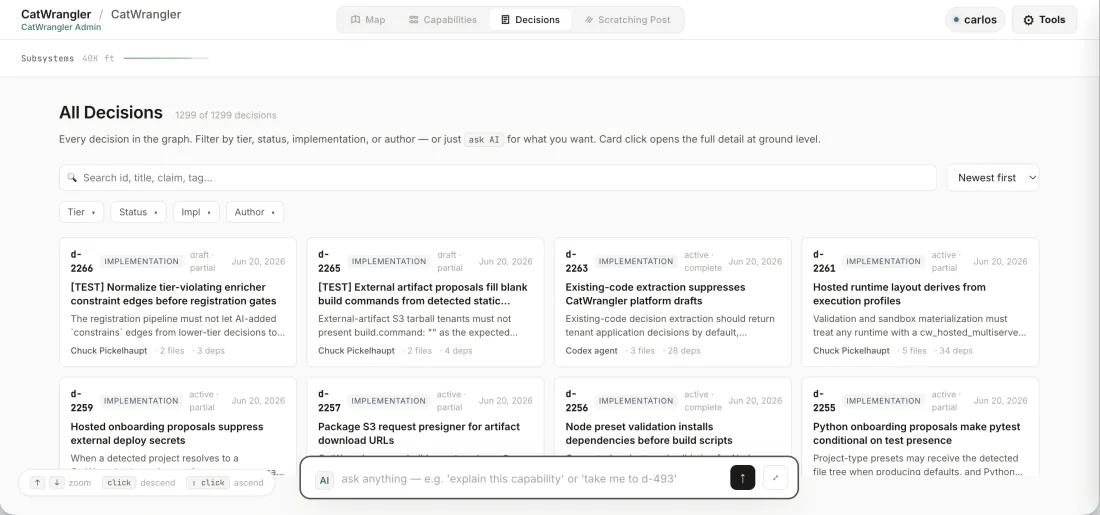
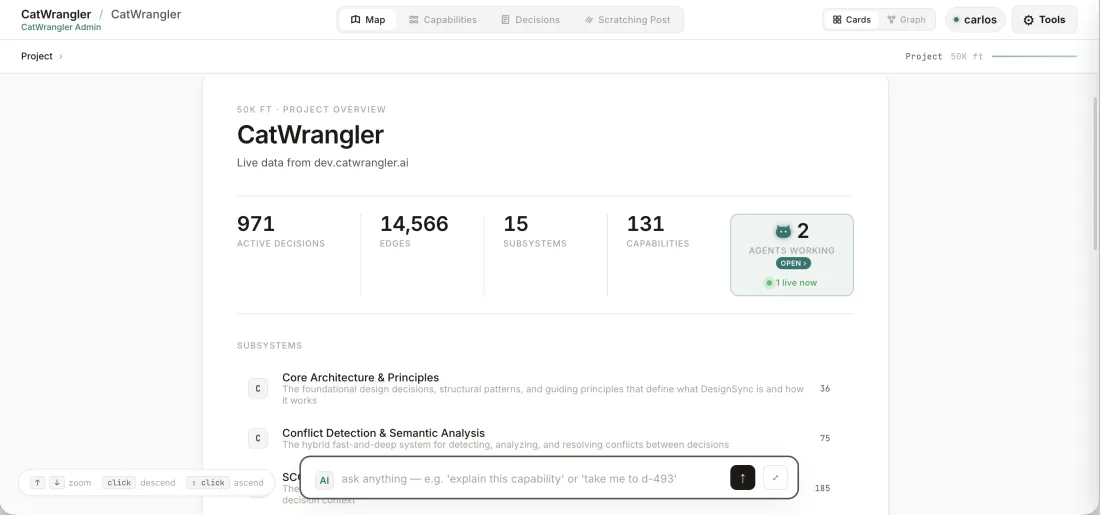
Open your project’s website — on your laptop or your phone — to see everything your AIs built and decided: the live map, the decisions, the progress.
And talk to your code — ask the AI questions about your subsystems and decisions, anything you want.
one codebase, everything in agreement ✦
Already have code?
Bring in your existing repo.
At sign-up, choose “Bring in existing code.” Point CatWrangler at your repo — one shot. It brings your code in and, where it can, captures the decisions already baked into it, so your AIs start with context, not a blank slate. (And you can take it back out in one shot too — no lock-in.) From there, steps 2–5 are identical.
Keep reading
Private beta — come early
Point your AI at CatWrangler and build.
From sign-up to shipping in a few minutes — no Git, no setup, nothing to learn.